A Brivo ACS6000 control panel can store up to 250,000 credentials and hold 60,000 door events while it has no connection to the internet. Those two numbers, taken from the manufacturer’s data sheet, speak to the first worry most building managers raise about cloud access control: what happens to the doors when the internet goes down.
The short answer is that many cloud systems are designed to keep working at the door during an internet outage, but how much keeps working depends on the specific platform and controller. The longer answer, and the real difference between cloud and on-premise systems, is in where the software lives, who maintains it, and how your staff manages the building day to day.
What the Two Terms Actually Mean
Every access control system has the same basic layers: credentials (cards, fobs, or phones), readers at the doors, controllers that decide whether to unlock, locks, and management software. “Cloud” and “on-premise” describe where that management software and its database live.
On-premise means the software runs on a server or appliance inside your building, or on a server your organization owns. Your team, or your integrator, maintains that server, installs updates, and keeps backups.
Cloud-based means the software is hosted by the platform provider and accessed through a web browser or mobile app. The controllers at your building connect to it over the internet. Updates and hosting are the provider’s responsibility, and the service is typically paid as an ongoing subscription.
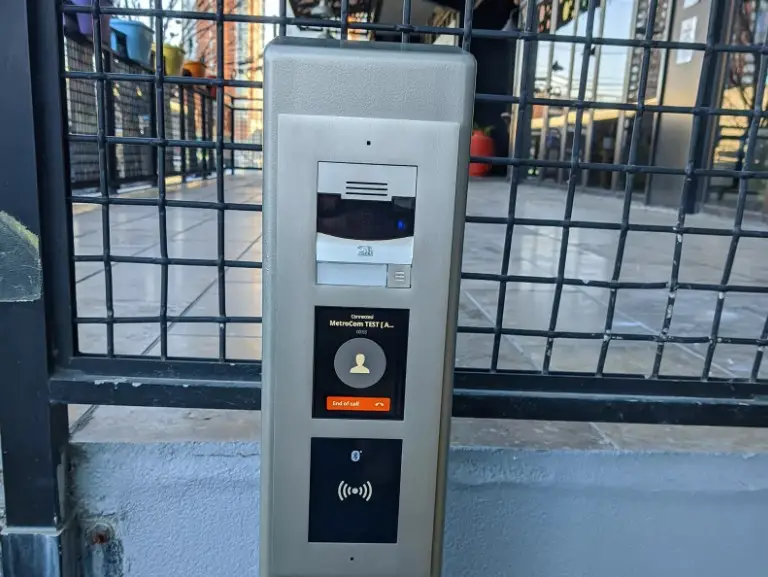
The line is not always sharp. When MetroCom upgraded the intercom and access control at Waldo Lofts, an 82-unit condominium in Jersey City, the board’s old system could only be managed from a computer in the control room. The new 2N platform, Access Commander, is web-based and accessible from any browser, but it runs as a virtual machine or on a small appliance owned by the building. That is on-premise software with the convenience people usually associate with the cloud. The building’s board member described enrolling residents from any web browser as far easier than the old process.
Where Cloud Access Control Fits Best
Managers who are rarely on site. A property manager responsible for several buildings can add a tenant, disable a lost fob, or check who entered the gym last night from a phone, without driving to the property.
Portfolios with multiple locations. One login covers every building, with the same rules and reports.
Buildings without IT staff. There is no server on site to patch, back up, or replace when it fails. Software updates arrive from the provider.
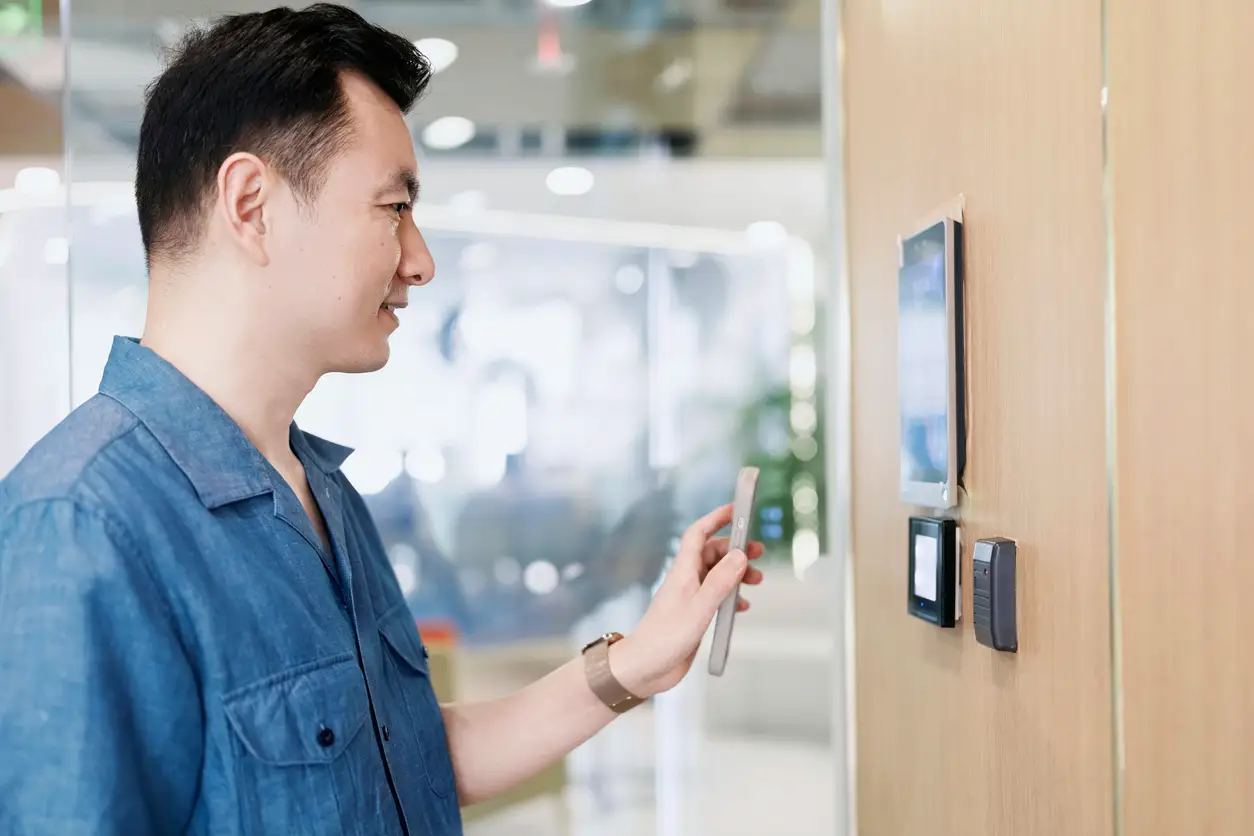
Mobile credentials. Cloud platforms generally make it simple to issue phone-based credentials to residents and staff and to revoke them instantly.
The trade-offs are real, too. A cloud system depends on an ongoing subscription, so the building’s long-term cost includes a recurring service fee. Remote features, such as unlocking a door from an app or seeing events live, need a working internet connection. And your access data is stored with the provider, which means the board should read the provider’s data and privacy terms, not just the hardware specifications.
Where On-Premise Access Control Fits Best
Organizations with strict data or network policies. Some healthcare, government, and corporate tenants require that access records stay on their own servers. MetroCom has installed low-voltage systems for government facilities and medical offices, and in settings like those, the tenant’s IT department often sets this requirement before the system is designed.
Large sites with in-house IT. A campus with an IT team already managing servers may prefer to host access control the same way.
Buildings that want to avoid recurring software fees. On-premise systems are often purchased with a license rather than a subscription. Keep in mind that most still carry optional or required annual support agreements for software updates.
The trade-off is responsibility. Someone must maintain the server, apply security updates, and keep backups. If that server is neglected, the access control system ages with it: outdated software, unpatched security issues, and eventually a computer that nobody can replace without a full upgrade. That is the risk to plan for.
The Internet Outage Question
This is the most common concern, so it is worth being precise.
In many systems, cloud or on-premise, the decision to unlock a door is made by the controller at the building, using credentials stored on the controller. Where that is the case, residents and staff with valid credentials can usually still get in when the internet goes down. Not every platform or controller works this way, though, and offline behavior varies from one product to the next. The Brivo figures at the top of this post are one example of how much a cloud panel can hold locally.
What does change during an outage on a cloud system: remote unlocking from an app stops, new credentials and changes can’t reach the panel until the connection returns, and live alerts are delayed. Each platform handles these details differently, so before choosing one, ask the provider and your installer exactly what works offline on that specific system.
Power outages are a separate issue and apply equally to both types. Controllers and locks need battery backup sized for the building, and electrically locked exit doors must release in line with fire and building codes, regardless of where the software lives.
Privacy Rules Apply Either Way
For residential buildings in New York City, the Tenant Data Privacy Act (Local Law 63 of 2021) applies to owners of class A multiple dwellings that use smart access systems such as fobs, cards, phone apps, or biometrics. According to the city’s Department of Housing Preservation and Development, owners must give tenants a data retention and privacy policy, must get express consent before collecting reference data, must limit the data collected to what the system needs, must not sell it, and must destroy authentication data within 90 days unless it is anonymized. The law also bars owners from requiring tenants to use a smart access system to enter their own apartment.
The law applies whether the data lives on a server in your basement or with a cloud provider. System retention settings should be configured with these requirements in mind, and the privacy policy itself is the owner’s responsibility. Have the building’s attorney review it.
How to Decide
Four questions usually settle it:
- Who will manage the system, and from where? Off-site managers lean cloud. On-site IT teams can support either.
- Does any tenant or policy require data to stay on site? If yes, on-premise or a locally hosted platform.
- How do you prefer to pay? Subscription over time, or license plus support agreement.
- What do you have now? If existing readers and wiring are in good condition, the right platform may be one that can reuse them.
Disclosure: The Platforms We Install
MetroCom installs and supports access control platforms from several manufacturers, including Brivo (cloud), 2N (the platform used at Waldo Lofts), and Paxton. We are the installer and integrator, not the manufacturer of any of these products. Because we work with more than one platform, we are not tied to a single product line.
Frequently Asked Questions
Is cloud access control less secure than on-premise? Not inherently. Security depends on encryption, credential technology, how the system is configured, and how well it is maintained. An unpatched on-premise server can be a bigger risk than a well-run cloud platform, and the reverse is also true.
Can we switch from on-premise to cloud later?
Often, yes. Many readers and much of the door hardware and wiring can be reused. Controllers usually need to be replaced to match the new platform. A site survey confirms what can stay.
Do cloud systems work with our cameras and intercom?
Many do, but compatibility depends on the specific platforms, lock hardware, and network. MetroCom verifies integration requirements during the site survey rather than assuming them.
Who owns the access data?
That depends on the platform’s terms of service. Read them, and in New York City residential buildings, make sure your policy meets the Tenant Data Privacy Act.
Choosing the Right System for Your Building
There is no single right answer, but there is a right answer for each building. MetroCom’s own technicians design, install, and support door access control systems for apartment buildings, offices, and commercial properties across New York, New Jersey, and Connecticut, and we do not subcontract the work.
Ask us for a written proposal that states where your access data will be stored, what keeps working during an internet outage, and what your ongoing software costs will cover. Call (866) 470-2244 or request a free consultation.
Also, find MetroCom on Yelp for trusted reviews and business information.