At Waldo Lofts, an 82-unit condominium in Jersey City, MetroCom installed access control readers on nine doors: the mailroom, the gym, the garage, several stairwell fire doors, and two building exits. Each of those doors looks simple from the hallway. A resident taps a fob or a phone, a light turns green, and the door opens.
Behind each one, at least five separate components work together in about a second. Understanding what they are and what each one does makes it much easier to judge a proposal, troubleshoot a problem, or plan an upgrade. Later in this guide, we walk through the full Waldo Lofts project, which Axis Communications featured in a published customer story.
The Five Core Parts of Every System
The Credential
The credential is what a person presents to prove who they are. The most common types:
- Key cards and fobs. These carry a chip that the reader reads wirelessly. Older systems use 125 kHz proximity cards, which transmit an unencrypted number and can be copied with inexpensive tools that are easy to buy online. Newer cards operate at 13.56 MHz and support encryption, making them much harder to clone.
- Mobile credentials. A smartphone app uses Bluetooth or NFC to present a credential to the reader. At Waldo Lofts, residents can open a door by tapping the reader while the phone stays in their pocket.
- PIN codes. Entered on a keypad. Useful as a backup or as a second factor, but codes are easily shared.
- Biometrics. Fingerprint or facial templates. Accurate, but in New York City residential buildings these fall under specific privacy rules, covered below.
The Reader
The reader is the device mounted beside the door. It reads the credential and passes the data to the controller. In most commercial systems, the reader does not make the decision itself. It is a messenger.
How the reader talks to the controller matters more than most building owners realize. Many older systems use the Wiegand protocol, which sends data one way and without encryption. A newer standard, OSDP (Open Supervised Device Protocol), was developed by the Security Industry Association and has been approved as an international standard by the IEC. OSDP supports AES-128 encryption through its Secure Channel mode, and it supervises the connection, so the controller knows if a reader has been disconnected or tampered with. If your readers are due for replacement, OSDP support is worth asking about.
The Controller
The controller, sometimes called the panel, is the brain at the building. It holds the list of valid credentials and the rules for each door: who can enter, on which days, and at what hours. When it receives a credential from a reader, it checks the rules and either unlocks the door or denies access, and it records the event either way.
Because the decision happens locally, a properly designed system keeps working at the door even when the building loses its internet connection. That is true of both cloud and on-premise systems, a topic we cover in our post on cloud-based vs. on-premise access control.
The Lock
Two types of electric locking hardware cover most doors:
- Electric strikes replace the strike plate in the door frame. They are commonly installed fail-secure, which means the door stays locked if power is lost, while the lever or panic bar still lets people exit from the inside.
- Electromagnetic locks (maglocks) hold the door closed with a magnet and are fail-safe by nature: they release when power is cut.
Egress doors with electric locks must follow fire and building codes. For a maglock released by a motion sensor, model codes such as the International Building Code require the door to unlock when the sensor or the lock loses power and when the fire alarm or sprinkler system activates. They also require a manual “Push to Exit” button near the door that cuts power to the lock directly and keeps it unlocked for at least 30 seconds. Local amendments and the local building department can add requirements, so the rules for each door and occupancy should be confirmed before installation.
The Management Software
The software is where staff add and remove users, set schedules, and review the event log. It can run on a local server or as a hosted cloud service. This is the part property managers use every day, so ease of use matters as much as features.
The Supporting Parts That Prevent Problems
A few smaller devices separate a reliable system from a frustrating one:
- Door position switches tell the controller whether the door is actually closed. Without one, the system cannot detect a door that was forced open or propped open.
- Request-to-exit (REX) devices, usually a motion sensor or a switch in the exit hardware, tell the system someone is leaving, so it does not log a forced-door alarm.
- Power supplies with battery backup keep controllers and locks running through short power outages.
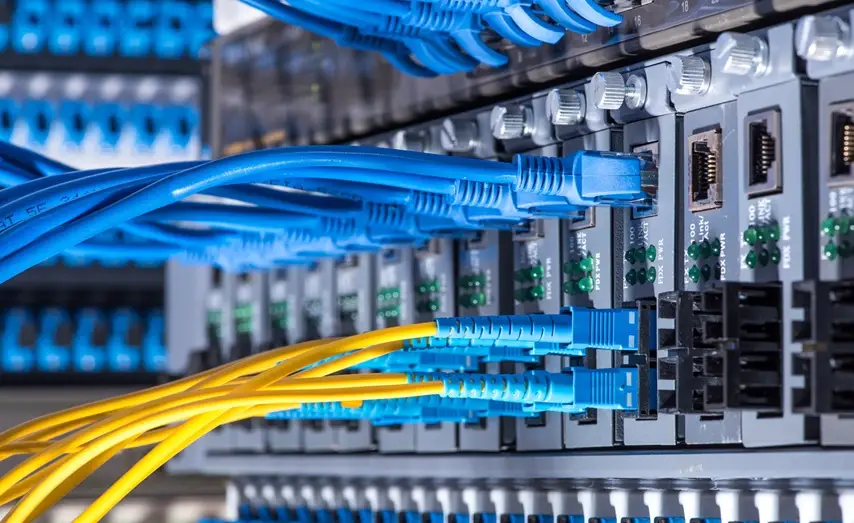
- Network and cabling connect everything. Poor cabling causes many of the intermittent problems that get blamed on the equipment.
What Happens When Someone Taps a Fob
Here is the full sequence at a typical lobby door:
- The resident presents a fob to the reader.
- The reader reads the credential and sends it to the controller.
- The controller checks whether that credential is valid for this door at this time.
- If it is, the controller releases the lock and starts a short timer.
- The door position switch confirms the door opened, then confirms it closed again.
- The controller records the event and sends it to the management software.
If the door stays open past the timer, the system can raise a “door held open” alert. If the door opens without a valid credential or a REX signal, it raises a “forced door” alert. Linking those alerts to the nearest camera lets staff see what happened instead of guessing.
How Access Control Connects to the Rest of the Building
Access control often connects to other building systems. Common connections include:
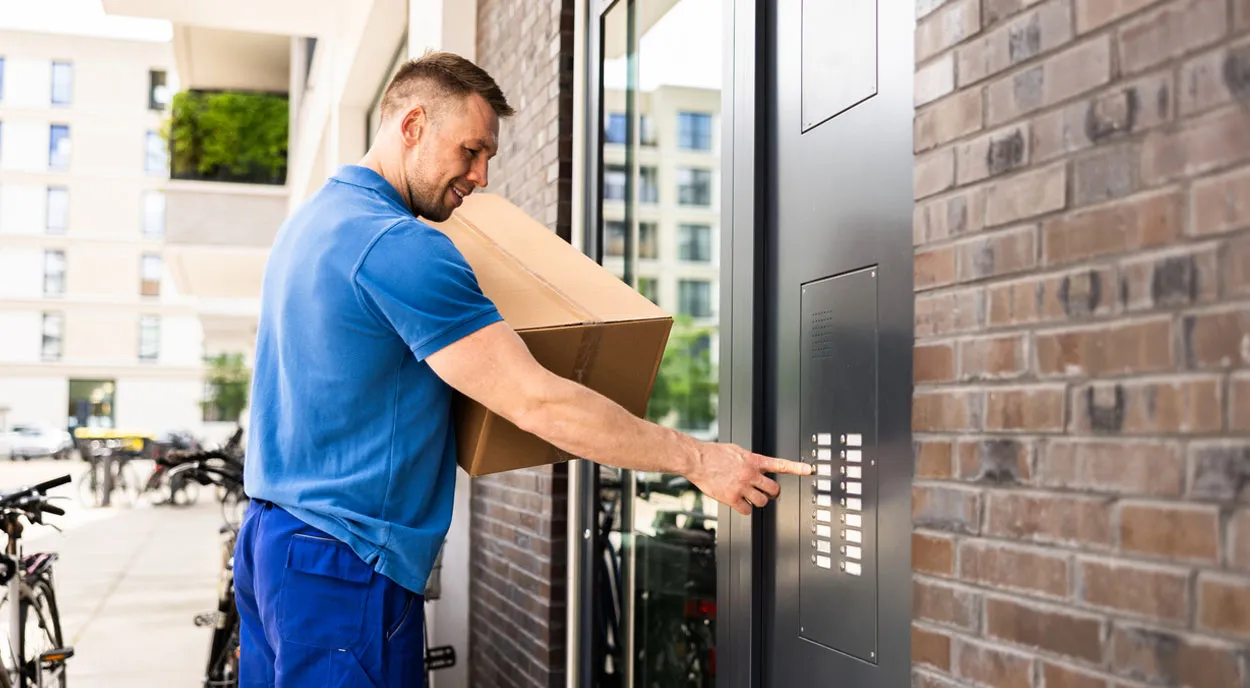
- Video intercoms at the front door, so a visitor’s call and the door release are handled in one system. New York’s Multiple Dwelling Law requires an intercom with remote door release in class A multiple dwellings with eight or more apartments built or converted after January 1, 1968.
- Elevator control, which limits which floors a credential can select.
- Vehicle gates and garage doors, using long-range readers or license plate recognition.
- Package rooms, so every entry is tied to a person and a time.
- Security cameras, so each door event can be matched with video.
Case Study: Waldo Lofts in Jersey City, as Featured by Axis Communications
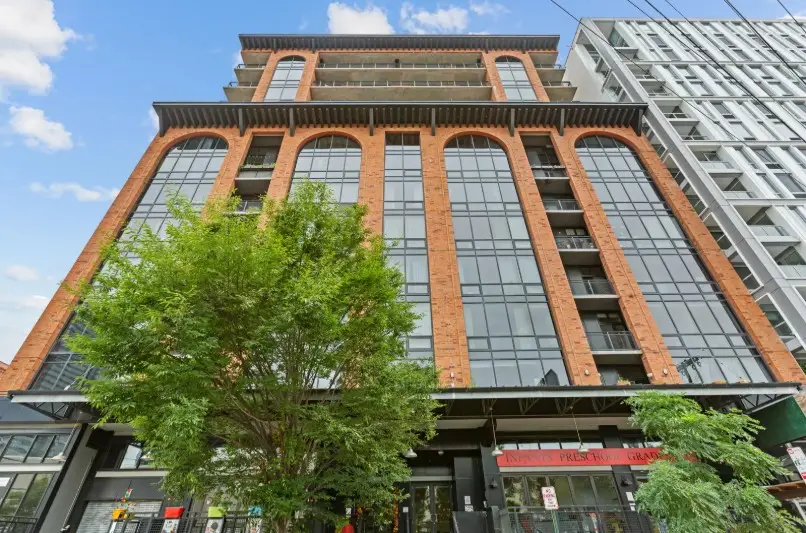
This project appears on our homepage as our Success Spotlight, “2N Waldo Condo Access Control.” Axis Communications, the parent company of intercom manufacturer 2N, also published the project as a customer story, New intercom at loft condos makes entry effortless. That story names MetroCom as the building’s integrator. Here is what it covers, and how it connects to the parts described above.
The building and the problem
Waldo Lofts is an 82-unit, 12-story condominium in Jersey City, built in 2006 and 2007. According to the Axis story, its original intercom had no video and had become unreliable. Calls from visitors and delivery drivers often went unanswered. Residents’ remote door releases often failed, so they had to go downstairs to let people in. Board members were so worried about crashing the old system that they saved up changes and made them in batches.
MetroCom’s recommendation
The board was close to choosing a different brand when MetroCom suggested, late in the process, that they look at the features of the 2N system. The board chose 2N. In the Axis story, board member Andy Yeh points to two reasons: the system adds video, and its modular design means a damaged part can be replaced on its own instead of the whole unit.
What MetroCom installed
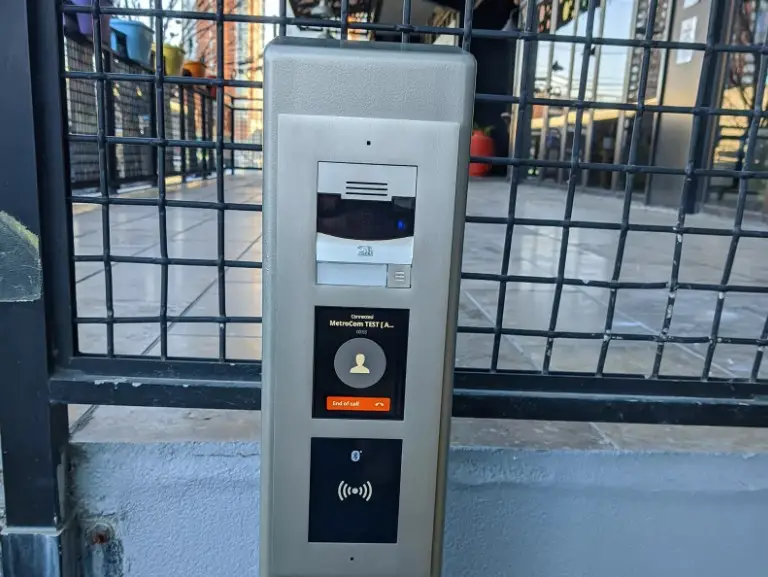
- A 2N IP Verso video intercom at the front entrance, mounted in a six-foot tower outside the door.
- Compact 2N readers combining Bluetooth and RFID on nine other doors: the mailroom, the gym, the garage, several stairwell fire doors, and two other building exits.
- 2N Mobile Key, which lets residents open doors over Bluetooth with their phones.
- 2N Access Commander, the web-based software the board uses to enroll and update residents.
- A connection between the intercom and the building’s security cameras, so intercom video is recorded with the rest of the building’s footage.
A system built to grow.
Igor Etkin, MetroCom’s Chief Technology Officer, told Axis that the system can be configured in multiple ways. A building can use it very simply or set it up to be more sophisticated, and it can keep adding functionality over time as its needs change.
What the board reported.
Andy Yeh told Axis that being able to see visitors has changed how residents feel about the front door: “It just makes people feel a lot better knowing who’s requesting entry.” He described Bluetooth entry as one of the system’s standout features. He also said that when a new resident moves in, he can now set them up from the website on his office computer instead of going to the old control-room computer.
What other buildings can take from it?
Each of the five parts covered earlier shows up in this project. Residents can use fobs or phones; the readers support both RFID and Bluetooth, and the management software runs in a web browser. The hardware is modular, so one damaged part can be replaced on its own. If your building has an aging intercom or access system that the board is afraid to touch, the same approach applies: survey every door, keep what still works, and choose hardware that can be repaired and expanded.
Privacy Rules for Residential Buildings
In New York City, the Tenant Data Privacy Act (Local Law 63 of 2021) applies to owners of class A multiple dwellings that use smart access systems. Owners must provide tenants with a data retention and privacy policy, get express consent before collecting reference data, limit what is collected, and destroy authentication data within 90 days unless it is anonymized. Biometric data may be collected only with express consent. Owners also cannot require tenants to use a smart access system to enter their own apartment. Systems should be configured with these rules in mind, and the owner’s attorney should review the privacy policy.
Disclosure:
MetroCom is an installer and systems integrator. We supply, install, configure, and support access control equipment from several manufacturers, including 2N (the system at Waldo Lofts) for intercom-based access. We do not manufacture any of these products. 2N has been part of Axis Communications since Axis acquired it in 2016. The Waldo Lofts customer story was written and published by Axis, and the quotes above come from that story.
Frequently Asked Questions
Can my existing card readers be upgraded without replacing everything?
Often, yes. Door hardware and wiring can usually be reused, and readers or controllers can be replaced in stages. The site survey tells us what is worth keeping.
Are 125 kHz proximity cards still safe to use?
They work, but they are easy to copy. Moving to encrypted 13.56 MHz cards or mobile credentials is one of the most effective upgrades a building can make.
What happens to the doors during a power outage?
It depends on the lock type and the backup power. Battery backup keeps the system running for a period. Fail-safe locks release when power runs out. Fail-secure locks stay locked from the outside but still allow free exit from the inside.
How long does an installation take?
It depends on the number of doors, the condition of existing wiring, the door hardware, and any integrations. Installation timing should be based on the actual project, so a reliable timeline comes after the site survey.
Upgrade With a Clear Plan
Whether you are adding access control to a few doors or replacing a system that no one trusts anymore, it starts with a door-by-door survey. MetroCom’s own technicians install, configure, and support access control systems and elevator controls for buildings across New York, New Jersey, and Connecticut. We do not subcontract the installation.
Ask us for a written proposal that lists every door, its lock type, its credential technology, and how it will behave during a power or internet outage. Call (866) 470-2244 or request a free consultation.
Also, find MetroCom on Yelp for trusted reviews and business information.