Every few months we get the same call: the cameras were recording the whole time, but by the time anyone actually needed the footage, it was gone. A system running three years straight, overwriting itself every four days, on an incident that came up on day six.
The cameras weren’t the problem. The recording was — and that’s where these systems usually fail, no matter whose logo is on the camera.
Here’s how DVR, NVR, and cloud recording actually differ, and which one fits your building.
DVR: the older analog approach
A DVR pulls its signal from analog cameras over coax cable. If a building was wired sometime in the 2000s, there’s a decent chance one of these is already sitting in a closet or a phone room.
And it still works, for what it is. The coax is already run through the risers, HD-over-coax gets you respectable resolution these days, and swapping in a new DVR when the old one dies doesn’t cost much. If the existing cable checks out and your coverage hasn’t changed, there’s a real argument for leaving it alone.
The tradeoff: a resolution ceiling well below what IP cameras can hit, little to no real analytics, and a shrinking number of technicians who still want to work on analog gear.
NVR: IP cameras, recorded on site
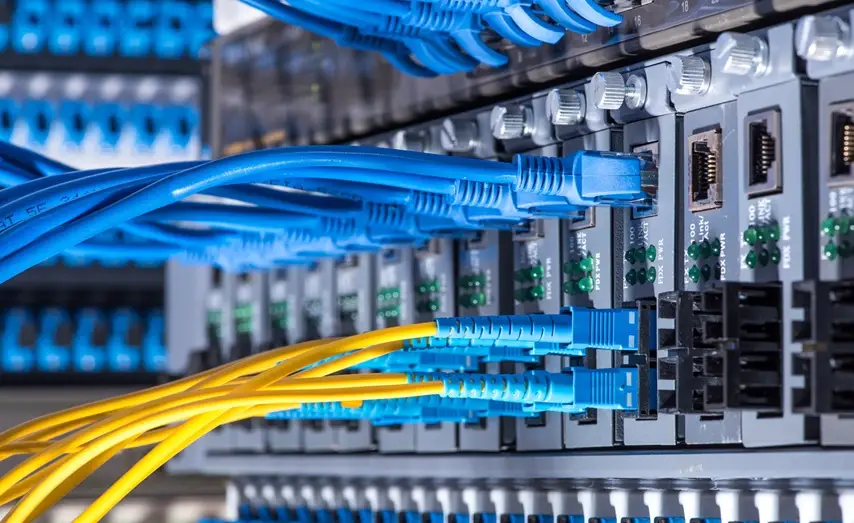
An NVR records from IP cameras over standard network cable — one cable carries both video and power, so adding a camera is a much smaller job than fishing new coax through a ceiling.
This is where most buildings we work with end up. Better resolution, room to grow, analytics running right on the camera, and the footage lives in your building on hardware you own. When a property manager has to hand a clip to a detective, having the recorder down the hall — not in someone else’s data center — actually matters.
The failure mode is the one described above: a recorder sized too small for the camera count and the retention window, quietly erasing evidence long before anyone comes looking for it.
Cloud: recording off-site, on subscription
Cloud recording moves the video off-site entirely. Nothing in the building to fail, get stolen, or get quietly unplugged by whoever wants the footage gone — and you can pull up the feed from anywhere with a login.
The tradeoff is a monthly fee per camera, indefinitely, plus a dependency on your building’s upload bandwidth. In a lot of older NYC buildings running thin internet service, that second part isn’t a footnote — a dozen cameras streaming at once can choke a connection that was only ever sized for a leasing office computer.
Cloud earns its keep for multi-site portfolios, where one person is watching several buildings at once, and for properties with nowhere secure to put a recorder in the first place.
Most buildings end up hybrid
Record locally for full retention, and push a lower-bitrate copy — or just the event clips — to the cloud for backup and remote access. Full-resolution footage stays on site, and there’s still something off-site if the recorder itself gets destroyed or walked out the door.
This is what we recommend most often for multifamily buildings. It costs more than local-only and less than full cloud, and it covers the one scenario nobody plans for until it happens.
Retention is the number that actually matters
Everything above matters less than one question: how many days of footage do you actually need to keep?
That number comes from your board, your insurer, or your attorney — not from us, and not from whatever an installer wants to sell you. Once you have it, the recorder gets sized around it: camera count, resolution, frame rate, and compression all factor into how much storage that many days actually requires.
Get this backwards — buy the recorder first, figure out retention after — and you end up with a system that overwrites itself before anyone realizes there’s a problem. Ask any installer to put your retention period in writing, as part of the proposal. A serious one will. We do.
What AI analytics actually change
“AI-powered” shows up on every spec sheet now, so it’s worth being specific about what that actually buys a building.
It cuts down false alarms. Older motion detection trips on headlights, rain, a shadow, a plastic bag blowing across the lot. Modern analytics can tell the difference between a person, a vehicle, and everything else — and ignore the rest. For a building where nobody trusts the alerts anymore because they’re always nothing, that alone is worth the upgrade.
It makes footage searchable. Instead of scrubbing through six hours of video to find one delivery, you filter by object type, direction of travel, or clothing color and you’re there in seconds. For whoever’s handling the incident, that’s the difference between a ten-minute job and losing an afternoon.
It runs at the edge — on the camera or the recorder — so nothing has to leave the building for the analytics to work. That matters to privacy-conscious boards and to buildings without much bandwidth to spare. A decent surveillance software platform makes all of this usable across a whole portfolio instead of one camera at a time.
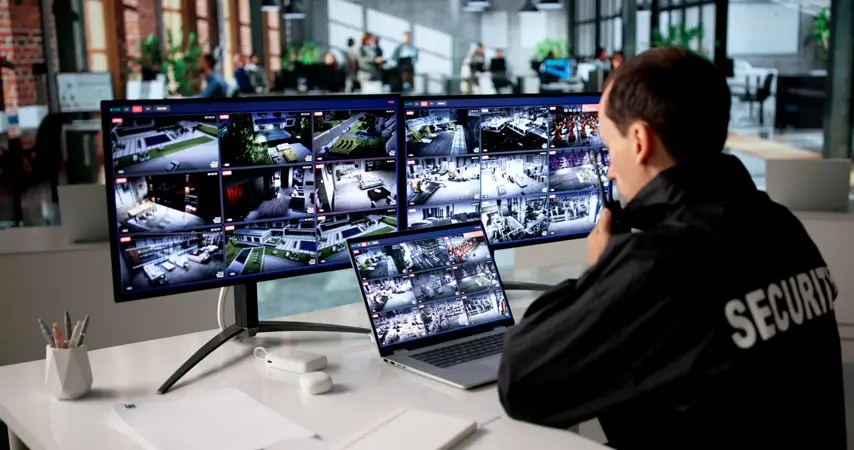
What it doesn’t do: replace a person watching. Analytics narrow down what a human needs to look at. They don’t decide what actually matters.
How to decide
- Nail down your retention period first — ask the board, the insurer, and counsel, not the installer.
- Get someone to actually look at what’s in your risers. Coax that’s still in good shape can make upgrading the DVR the smarter move.
- Test your upload speed before anyone pitches you on cloud.
- Get the retention period in writing, in the proposal.
- Ask what happens when the recorder fails, and separately, what happens when the building loses internet. They’re not the same question.
We handle security camera installation in NYC across all five boroughs and New Jersey — including enterprise video recorders and cloud-connected systems — and we take over and expand systems that are already in place rather than ripping everything out by default.
Frequently asked questions
Is NVR better than DVR?
For a new install, yes, generally — better resolution, easier to expand, real analytics. But if a building has good coax already in the walls, upgrading the DVR and the cameras can be the smarter money. It really comes down to what’s already there.
How many days of footage should a building keep?
That’s set by your board, your insurer, or your counsel — not by us. But whatever number you land on, the recorder has to be sized for it. Most of the complaints we hear come from systems that were overwriting footage far sooner than anyone realized.
Do we need cloud storage?
Not necessarily. It’s worth it for multi-site portfolios, remote access, and buildings with nowhere secure to put a recorder. It runs a monthly fee per camera and depends on your upload bandwidth. A lot of buildings do better with local recording and cloud backup for events only.
Can you work with our existing cameras?
Usually, yes. We take over existing systems all the time. If the cameras are still good, we keep them and only replace what’s actually failing.
What happens if the recorder fails?
On a local-only system, recording stops until it’s fixed. There are ways around that — a standby recorder, or cloud backup for events — but it’s a decision worth making on purpose, not something you find out the hard way.
Get a written proposal that states your retention period.
 (866) 470-2244 |
  concierge@metrocom.us
MetroCom Security. Licensed low-voltage contractor. Serving NYC, New Jersey, and Connecticut since 2001.
Also, find MetroCom on Yelp for trusted reviews and business information.